Did We Finally Solve the SecOps UI Problem?

This week I want to talk about the UI/UX of SecOps tooling: the trends I’ve seen and where I think this is going.
A bit of history
A lot of the UI/UX in SecOps tooling is built around case management. At the end of the day, you need to track all that work somewhere.
And it’s funny. We’ve had dedicated case management tools for IR and SOC for a long time (RTIR, Resilient, TheHive). But most of the work still happened in generic ticketing tools like Jira, ServiceNow and ITSM in general.
I think that’s because most of your stakeholders sit outside your team. The easiest way to receive all those requests is through whatever the company standard is. And when you need to respond, mitigate or remediate, it goes the same way: back to the engineering team, change requests, etc.
What surprises me is that SIEMs were very bad at case management. Not sure why. Later they started acquiring SOAR vendors to fix that (IBM with Resilient, Splunk with Phantom, Google with Siemplify).
And yes, SOAR was the first serious attempt to fix this. It combined case management with automation and orchestration. It was better at case management because you could finally customize the view.
Product Updates

Most AI SOC vendors want your team to build agents. Embed thinks you should teach them instead.
With Embed’s latest release, analysts create their own iSteps, Embed’s investigation agents, by describing how they investigate. No AI workflow programming required. NoiseIQ Memories keeps the platform current as your organization’s context changes while Detection Engineering turns investigation outcomes into recommended improvements to your own SIEM detections, so they get better instead of being replaced.
Teach it. Don’t build it.

SecureVisio puts SIEM, XDR, SOAR and GRC on one engine, with a built-in CMDB and risk analysis that reprioritize incidents as risk changes. Run it on-premises, air-gapped or as SIEMaaS in a private cloud, with ML models and the LLM behind its AI assistant and agent kept local. Built-in system actions automate repetitive work like threat-intel lookups. Priced by assets and EPS, not log volume. Proven at >60,000-asset clients and recognized in Deloitte Technology Fast 50 Central Europe.
Why the UI never worked for everyone
Now back to my main point. The UX/UI of security tools has not been great for years.
Probably because the people designing the UX never worked in a SOC. They got feedback from the team, and that’s normal. In many cases a UX/UI team doesn’t need industry experience.
But the real issue is us, the practitioners. I have never met two people in a SOC who agreed on the same view. Everyone works differently. Some prefer visuals, others prefer text. Some want lots of widgets, some want fewer.
So for years I’ve been telling vendors: build a desktop-style UI. Give a few default views, and let analysts design their own. Some SOAR vendors did an amazing job here. But in many cases you had to write your own HTML for the widgets.
AI SOC: the next-gen SOAR
And now we have AI SOC vendors. I think they are becoming the next-gen SOAR. Same job: case management, automation and orchestration. But now with agents doing the investigation.
The UI has also evolved, and I like what I see.
When AI SOC tools first appeared, it was text overload. Text everywhere. Long investigation summaries, walls of reasoning, and good luck finding the verdict.
Now, as we do our market research at SecOps Unpacked, I get excited every time I see a polished UI. Simple to understand, good visuals, nothing overwhelming.
Not every tool is there yet. But many of them are getting there, and some already are.
Now it’s easier than ever
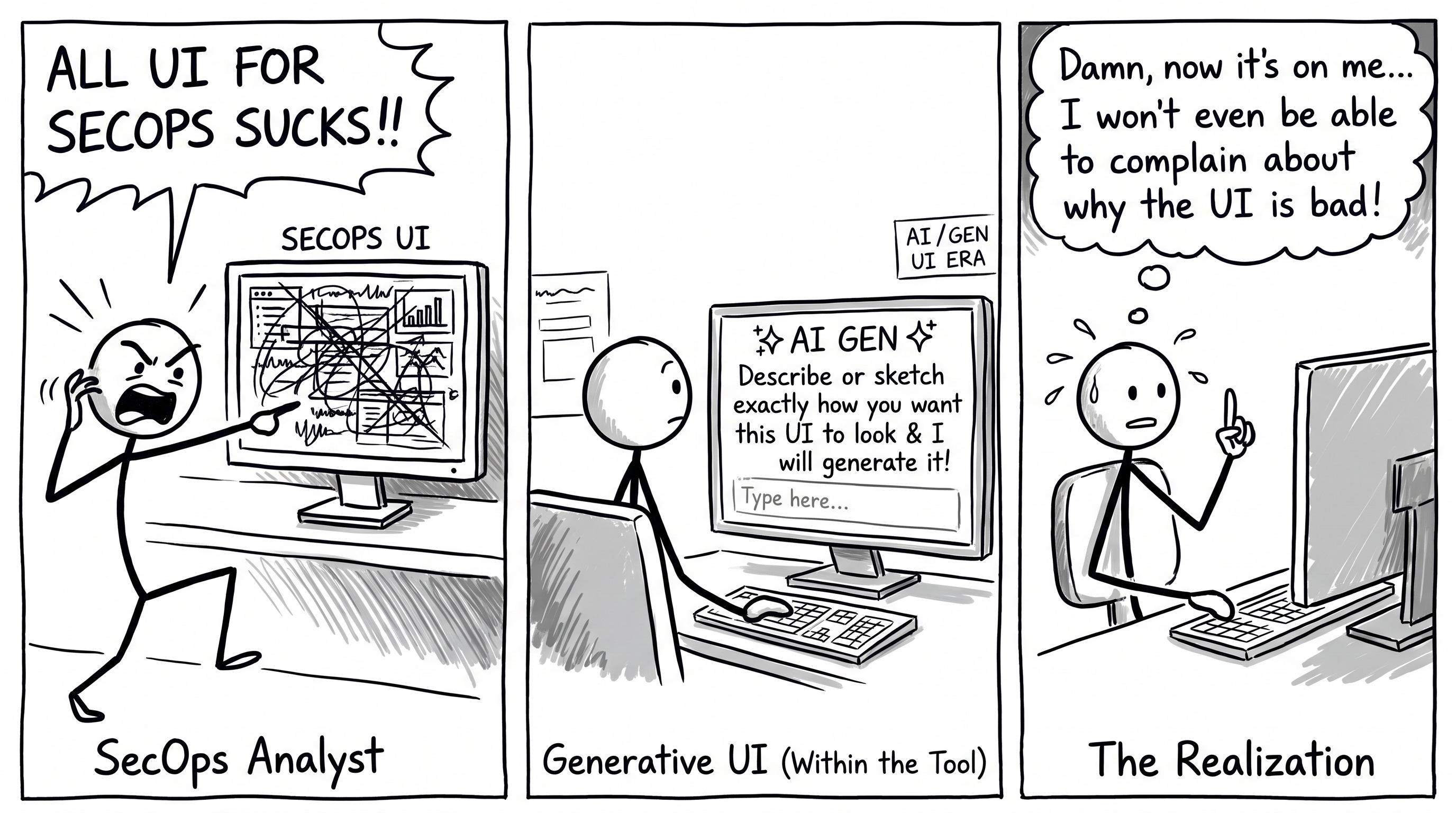
Well, dear fellow practitioners, I think now it’s easier than ever. I can explain in plain English how I want my view to look, and it gets generated. Either I get the HTML and use it for widgets, or the tool does generative UI directly. I’ve seen vendors doing both.
Hallelujah. Did we just solve the bad UX/UI problem in security tools?
I think the tech is here. Now it’s up to vendors to implement it.
I’m also curious to hear from others. Would you rather stick with the default views the vendor gives you? Or would you prefer to describe what you want, or even upload a sketch, and have it built for you?
And you can’t complain the UI is bad anymore. Now you can build it yourself.
For the vendors
Expose as much of your data as possible so generative UI can build these custom views. The plumbing already exists. MCP Apps is now the first official MCP extension, built on MCP-UI and the OpenAI Apps SDK. It lets tools return interactive UI like dashboards, forms and visualizations.
Will this become the industry standard? Probably, in 3 to 5 years.
Check out our SecOps Market Landscape tracker and evaluation frameworks
Discussion about this post